Known Issues
1. Flickering with high-detail noise patterns when viewed from a distance.
See Anti-Aliasing and Filtering. Baked textures do not have this issue.
2. Cubemap Preview during baking showing a seam between faces
This is in fact a repeated face. This might happen if any changes have been made to the shader just prior to baking:
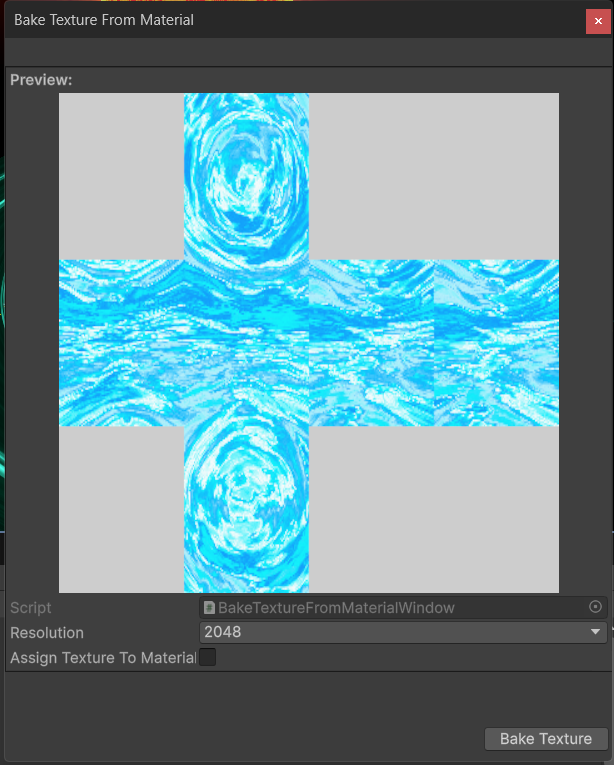
This only affects the preview image and will not carry over to the final rendered image and can be ignored.
3. VFX Skybox breaks when using Orthographic projection
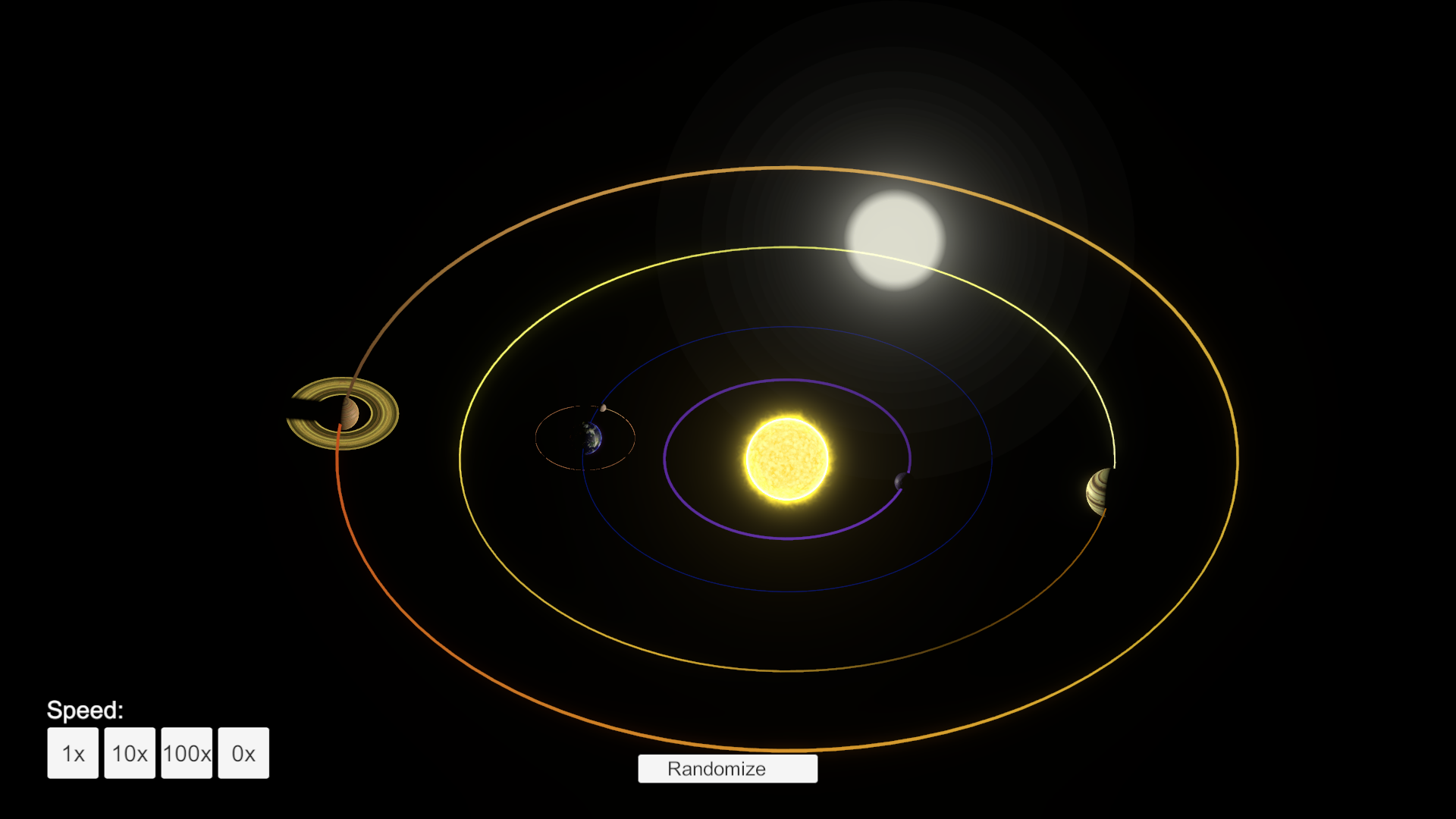
The VFX skybox uses a custom function to determine where to place the star particles based on perspective camera distance. If you switch to orthographic camera the star particles will apear huge and flicker across the screen as you move the camera.
A more advanced procedural skybox solution is coming soon.
4. 'No GUI Implemented' shown for some custom inspector features on procedural components
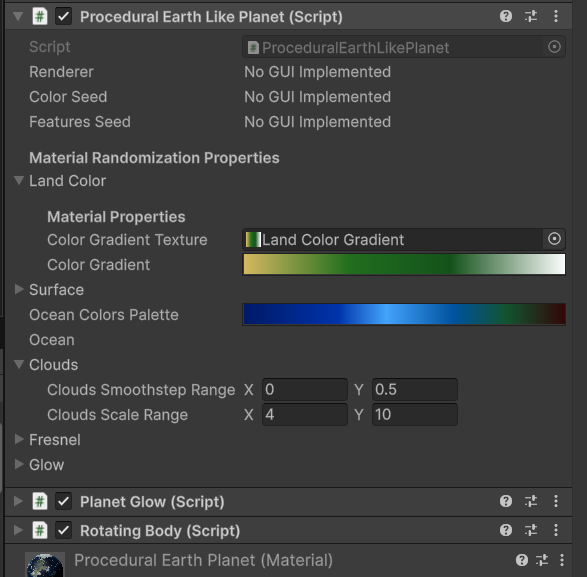
Check to see if you have any stray custom editor scripts that might be ovewriting the custom inspectors for the procedural components. This might also be caused by incompatibility with other assets that extend the editor.
This will in fact lead to more issues, like gradients not being saved to textures permanently.
Known incompatible assets:
SOAP - Scriptable Object Architecture Pattern:
There is actually a script you can delete from this asset to restore editor functionality:
Assets/Obvious/Soap/Core/Editor/ScriptableBase/ObjectEditor.cs
5. Fragment Shader "..." requires a buffer (SRV) "_customShadowCastersBuffer" at index 2, but none provided. Skipping draw calls to avoid crashing.
This error will be accompanied by your procedural celestial body appearing pink or invisible.
This bug is present in Unity Editor version 6.3 LTS and newer. It will appear in scenes where you try to add procedural celestial bodies using the custom space lighting system, without having the ShadowCasterBufferManager component for Custom Space Lighting. To resolve it, either add the component to your scene or disable custom space lighting via Tools/Parallel Cascades/Planet Generation/Reset Custom Space Lighting